still running 5 nodes on my synology. In principle it works fine, but my synology becomes hardly accessible for other stuff as it grinds to a halt. Which is interesting as cpu usage has been 15%-25% and ram is at about 30%.
I honestly cannot think of anything…unless perhaps your network is being a bottleneck…?, do you experience the same if you reduce the number of nodes? just wondering if perhaps it’s using more CPU than what’s reported by whatever you are getting the stats from…?
We have literally thousands of ports available to us. I use from 55000 up for port no and from 56000 up for the metrics port.
Feel free to not bother recycling ports, if anyone needs to run >50 ports then they can script it themselves.
Your tool seems to do an excellent job, just a pity that installing Docker is non-trivial for most folks.
Podman Desktop or CLI can be installed on all platforms, making it possible to run Formicaio. While I cannot guarantee a seamless experience across all supported platforms, it may be worth trying for those who are not using Linux and are interested in exploring this option.
deleted my setup as the synology became completely unresponsive with formicaio running (even with all nodes down). Not sure why but it was in a constant state of calculating and storing.
That sounds very weird, specially if no nodes are running.
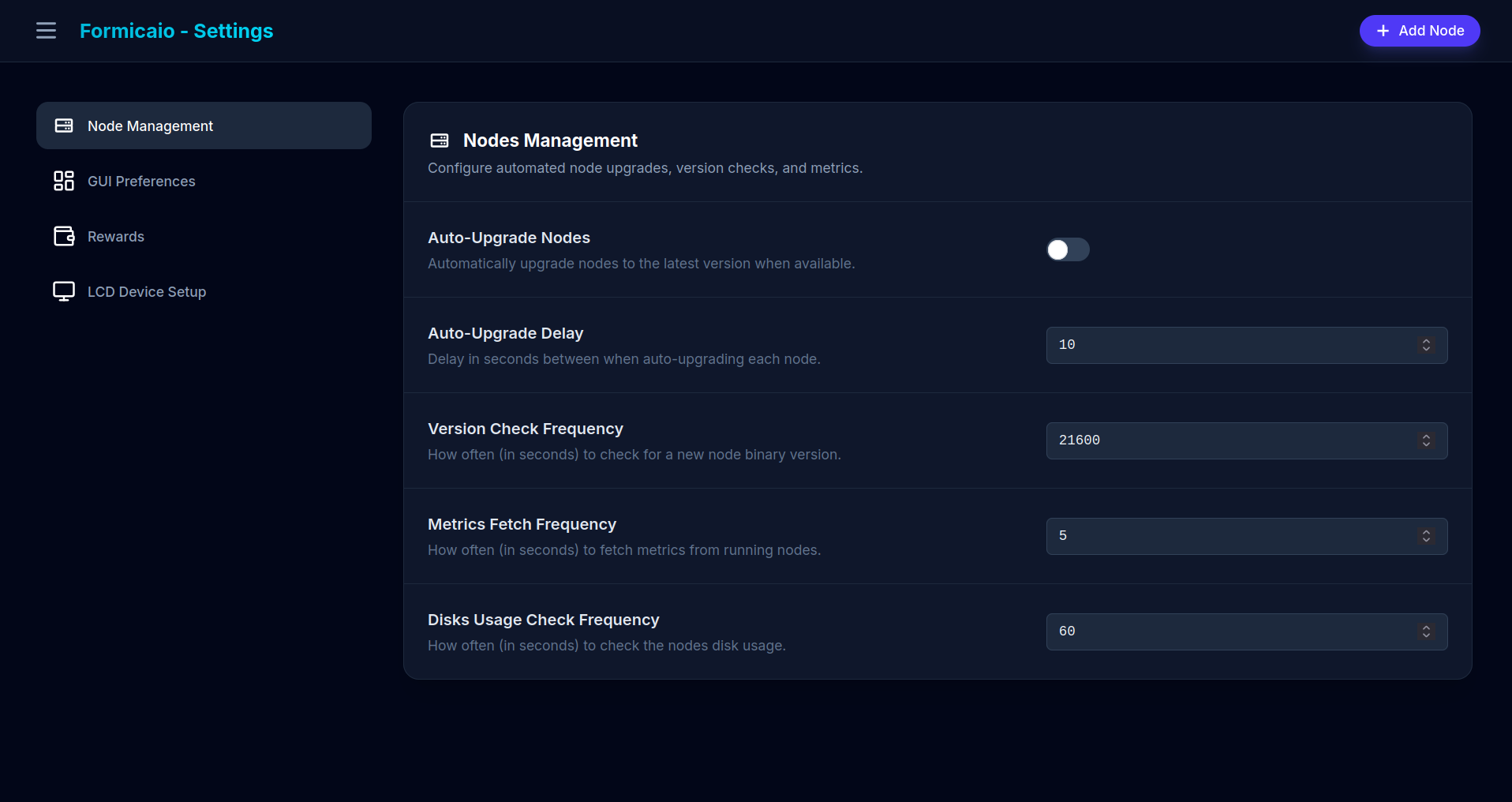
Formicaio is expected to be running some minimal logic in the background checking if there is any active node, and if so, then query them for metrics/stats. Otherwise it will be in a loop (with a delay in each iteration) performing only the query to docker engine. If are you still interested in debugging perhaps you can start it fresh (it’s better to pull the latest version) and look at the logs and see if it’s reproducing the issue before you add any node/s, that way we can get a clue of what could be happening in your setup.
For those planning to use Formicaio on new net, make sure you have latest v0.1.2. See the README for upgrading instructions either using Docker or Podman. Also make sure you create new instances of nodes with antnode v0.3.0.
The recycle option is enabled only when the node is running/active, this is just due to the way this feature currently works (it currently works by running a command within the running container before restarting it). If you are able to have them to run again, you can then recycle them (either individually or with the multiple nodes selections and actions).
I was thinking some other way to be able to recycle even when they are stopped, hopefully I will be able to have it implemented.
This just keeps getting easier, more elegant, etc. Fabulous work.
I’ve only tried to use it through Umbrel because remote access is crucial for me and it’s easy with Tailscale on Umbrel, but I’m sure without Umbrel is great, too.
Question: How often does the app pole and update from the Eth address?
I found out why my Formicaio running on my VPSs was not picking up records. In UmbrelOS settings the DNS was by default set to Cloudflare. Turning this off and restarting UmbrelOS has new nodes picking up records as expected.