I’m in the middle of setting up automated build and release using Codeberg instead of the evil Github and have a test Rust app built for the following:
If you try any of the above on matching hardware please reply with the name of the executable, what hardware/OS you tried and what output you got if any.
The desired output is just ‘hello world’. If this works I’ll try with dweb. macOS is in progress but a bit more fiddly.
Can anyone recommend which version of macOS I should build for? I’m testing with v15 Ventura but I see several later versions.
What version is it wise to build releases for do you think?
I’m assuming building for a later release might leave those running earlier versions unable to run the app, but don’t know Mac well enough to know or choose a ‘safe’ distance in terms of versions.
In an ideal world I think you’d build for MacOS 11 Big Sur from 2020. That was the first version that supported Intel and ARM and that would capture a lot of older but perfectly serviceable Macs. I wouldn’t be surprised if whatever you do would work on 11 anyway.
If not, it would be nice to build for the currently supported versions which Apple are still releasing updates for which are:-
macOS 13 Ventura October 24, 2022
macOS 14 Sonoma September 26, 2023
macOS 15 Sequoia September 16, 2024
But when macOS Tahoe 16 is released later in the year I’m guessing they will drop 13 from support.
This is all from:-
But for a new thing being produced I think it’s reasonable to build for just a version behind the current one. I have no idea of the changes involved in each release or how much hassle it is to produce for another version.
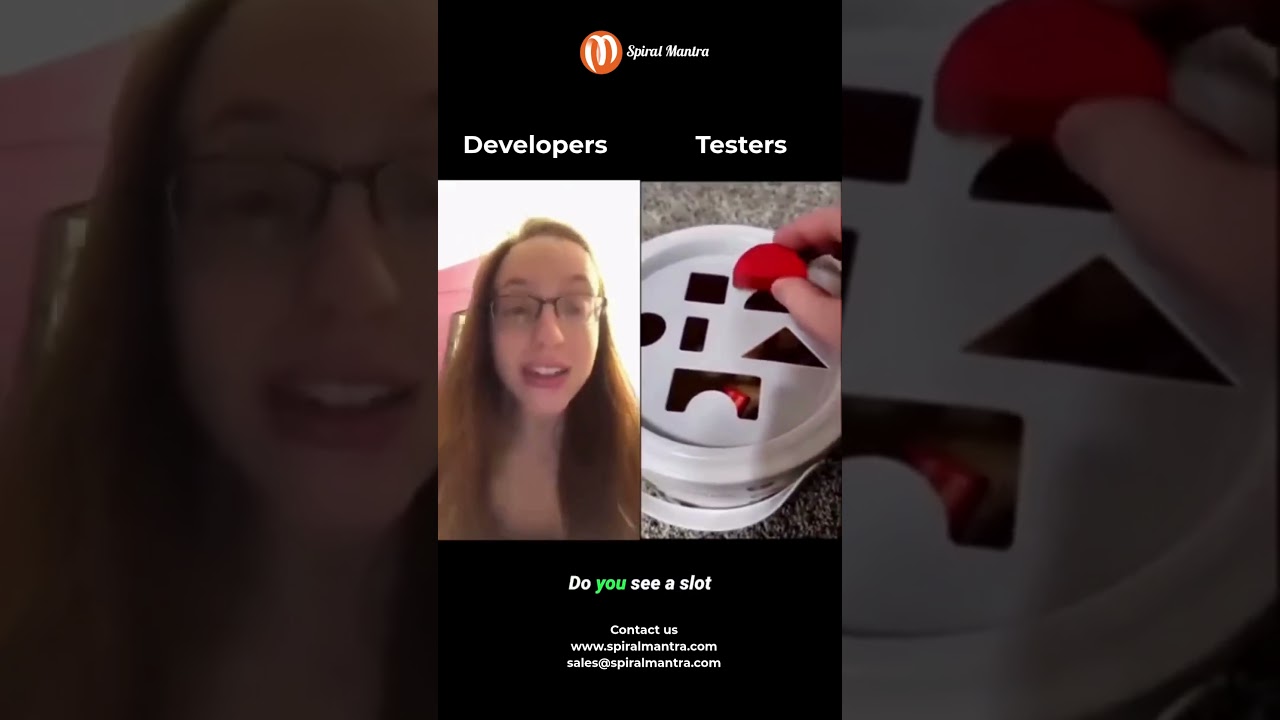
Well she maybe a developer, but she is not a traditional engineer. But her reactions seem hyped up though LOL
Engineering goal for a device is one button, and one light. Push button to make it do what its meant to do and the light to say all good/fail/etc. So that box should have one slot, the square one